
2026-05-24
How to bulk edit Shopify variant metafields
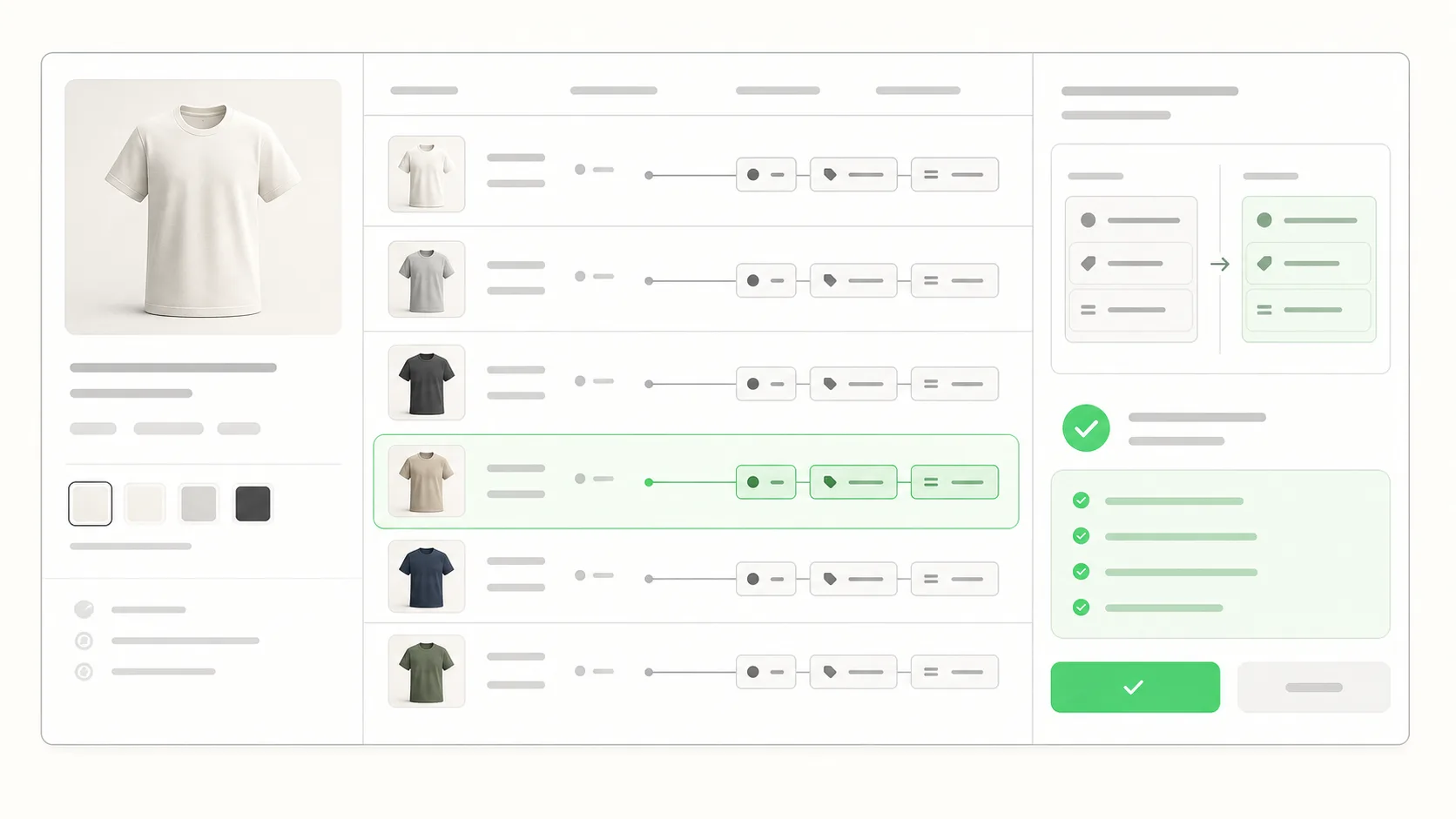
Bulk edit Shopify variant metafields by first naming the job: a small admin fix, a file-led import, an API-owned sync, or an instruction-led update. Variant metafields sit below the product, so the safest workflow is the one that shows the exact variant rows before the write runs.
Why variant metafields are different from product metafields
Product metafields sit on the product level and follow the product through every workflow. Variant metafields sit one level deeper, attached to individual variants. That makes targeting and review more important.
A wrong product-level metafield often shows up fast because the whole product looks wrong. A wrong variant-level metafield can affect only one color, size, material, or regional option under a product that still looks correct at first glance.
Main risk
Namespace, key, value type, and variant identifier must all match the intended write. A clean-looking import can still update the wrong rows if the identifier is wrong.
Start with the actual job
Before picking a tool, name the job. Most variant-metafield work falls into one of four shapes.
| Job shape | Best first layer | Why |
|---|---|---|
| Fix a few visible variants | Shopify native admin | The admin is fast when the variant list is small and the metafield is visible. |
| Load many values from a PIM or supplier file | CSV, Matrixify, or custom import | The file is the source of truth and the mapping can be checked before import. |
| Run a recurring sync | API or scheduled import | Recurring data should not depend on a merchant typing the same request again. |
| Apply an ad-hoc campaign value | ApiMate | The request can become a proposed write with exact variants and before/after values. |
Variant metafields are less forgiving than product fields because the wrong row can be hard to notice.
When the native Shopify bulk editor is enough
The native Shopify admin bulk editor is the right tool when the change is small, the metafield definition is visible, and the team is already comfortable with the bulk-editor screen. For a single campaign value on a focused product set, opening the bulk editor can be faster than installing any external tool.
It stops being the right tool when the change crosses many products, when the variant rows are hard to scan, or when the target set depends on fields that the admin does not expose clearly.
When CSV through Matrixify is the right answer
For migrations, supplier feeds, or large one-time loads of variant metafields, a file-led workflow is the right layer. The file is the source of truth, the column shape is stable, and the run can be checked before import.
It is the wrong layer when the change starts as a sentence rather than a file. Preparing a one-off CSV for a 40-variant fix can take longer than the edit itself.
When a chat layer is the better fit
A chat-led tool like ApiMate is the right choice when the change starts as an instruction and the merchant wants the shortest path from intent to a reviewed write. The merchant describes the change, the proposed write lists the exact variants with current and new values, and the change applies after approval.
The two practical benefits at the variant level are review before apply and revert after apply. Review catches the targeting mistake before it touches the storefront. Revert restores the prior values without preparing a reverse CSV.
Why approval matters here more than at the product level
Variant-level writes are easier to miss in QA and harder to reason about after the fact. A wrong variant-level metafield can affect a subset of variants under a correctly displayed product.
Approval before apply lowers the chance of silent catalog damage by making the merchant confirm the variant list before the write runs. The review should show the variant identifier, current value, new value, namespace, and key.
| Review item | What to check |
|---|---|
| Variant identifier | The row points to the intended SKU, option, or variant ID. |
| Namespace and key | The write targets the exact metafield definition. |
| Value type | The new value matches the definition type. |
| Storefront dependency | Filters, templates, or collection rules will still behave as expected. |
| Rollback path | The prior value is stored before the write applies. |
Identifier choice matters more than the tool
The most important question in a variant-metafield update is how the workflow identifies the variant. A tool can have a good editor and still update the wrong row if the identifier is loose.
Variant ID is the safest identifier when the job comes from Shopify. SKU can work when every variant has a unique, stable SKU. Option names are useful for human review, but they should not be the only matching rule for a bulk write.
| Identifier | Use when | Risk |
|---|---|---|
| Variant ID | The job starts from Shopify export, API data, or a tool that can resolve exact variants. | Harder for humans to read, but safest for exact matching. |
| SKU | Every variant SKU is unique and the team treats SKU as stable. | Duplicate or reused SKUs can update the wrong row. |
| Product handle plus options | The import or review needs human-readable context. | Option names can change and may repeat across products. |
| Product title alone | Almost never as the only key. | Titles change and are not precise enough for variant writes. |
For variant metafields, readable context and exact matching are both needed.
What to check in a CSV or import preview
A file-led variant-metafield update should be reviewed like a write plan, not like a spreadsheet formatting task. The preview needs to prove that each row maps to the intended variant and that each metafield value matches the definition type.
If the tool only says the file is valid, that is not enough. Valid means the import can run. It does not mean the rows are the right rows.
File sanity check
If the same product has many variants, sample more than one variant from that product. One correct row does not prove the rest of the variant mapping is correct.
- Confirm the owner type is variant, not product.
- Confirm namespace and key match the existing metafield definition.
- Confirm the value type matches the definition, especially for lists, booleans, JSON, and references.
- Check at least five sample rows across different products and options.
- Keep an export of the current values before the write runs.
A worked example
A apparel store wants to add a variant metafield for material across a seasonal collection. Cotton tees, wool sweaters, and nylon jackets all live under products with several sizes and colors. The values are not product-level values because one product can have variants with different material blends.
A safe workflow starts by selecting the collection, resolving the exact variants, drafting the material value per variant, and showing a review table with SKU, options, current value, new value, namespace, and key. If the operator sees a color or size that should not be in scope, they refine the target set before apply.
If the source values came from a PIM export, a file import may be better. If the request came from a merchant note like "mark all Acme winter variants as wool blend", a chat-led reviewed write is usually faster than building a one-off file.
When not to bulk edit variant metafields
Bulk editing is the wrong move when the definition itself is still changing. First settle the namespace, key, type, validation rules, and storefront use. Changing values before the definition is stable creates cleanup later.
It is also the wrong move when the merchandising team cannot describe the target set. If nobody can explain which variants should change, the first job is discovery, not writing values.
- Do not bulk write values before the metafield definition type is final.
- Do not mix product-level and variant-level fields in the same mental model.
- Do not use title-only matching for variant writes.
- Do not skip a current-value export when values affect filters, templates, or feeds.
A decision shortcut
For a small one-off fix on a few variants, use the native admin. For a recurring import from a PIM or supplier system, use a file or API flow. For ad-hoc operational edits that start as a request in chat, Slack, or a meeting, use ApiMate.
Frequently asked questions
Why does the native Shopify bulk editor sometimes feel limited for variant metafields?+
Variant metafields sit below the product row. When a product has many options or the metafield is hard to expose in the table, review gets slower and targeting mistakes get easier.
Do I need variant IDs for a file import?+
Check the current import tool rules before building the file. SKU matching can work only when SKUs are unique and stable. Variant ID is safer when the import needs to target exact rows.
Can ApiMate update product and variant metafields?+
Yes. The same instruction-then-approval flow applies. The proposed write lists the target rows and new values before anything applies, and supported changes can be reverted from command history.
When is Matrixify better for variant metafields?+
Matrixify is the better fit when the values already live in a spreadsheet, PIM export, supplier file, or migration file. ApiMate is the better fit when the change starts as an operator request.
Should I match variant metafields by SKU or variant ID?+
Variant ID is safer when the workflow can use it because it points to one exact Shopify variant. SKU can work if every SKU is unique and stable. Do not rely on product title alone for variant-level writes.
What should a variant-metafield preview show?+
It should show product, variant identifier, SKU or options, namespace, key, current value, new value, and value type. For risky fields, it should also show why the row is in scope.
Related pages
Shopify bulk edit metafields
The broader metafield workflow page covering products and variants.
Bulk editor vs CSV vs API
The decision guide for choosing the right layer for a Shopify bulk edit.
ApiMate vs Matrixify
Where file-driven and chat-driven metafield workflows each fit.
Shopify bulk product editor
The main product page for chat-driven catalog changes.
Try ApiMate on a real Shopify catalog
Install from the Shopify App Store. Every write is reviewed before it runs, and any change can be rolled back from the command history.