
Cases
What merchants do with ApiMate
Each case is one job a merchant typed into the chat, in their words. The page shows the instruction that ran, the preview it produced, what to check before approving, what revert restores, and where the tool stops.
- Any catalog size
- A dozen products or the whole store, the preview lists every row
- Any field
- Titles, prices, stock, metafields, variants, images, SEO
- One approval
- One instruction, one preview, one click. Revert from history
 0116 min
Bulk edit SEO titles, meta descriptions and alt text in Shopify
Titles, descriptions and alt text across the catalog, one approval
Read 0214 min
Audit a Shopify catalog before a Google Merchant Center review
Every product checked, images included, before the review team looks
Read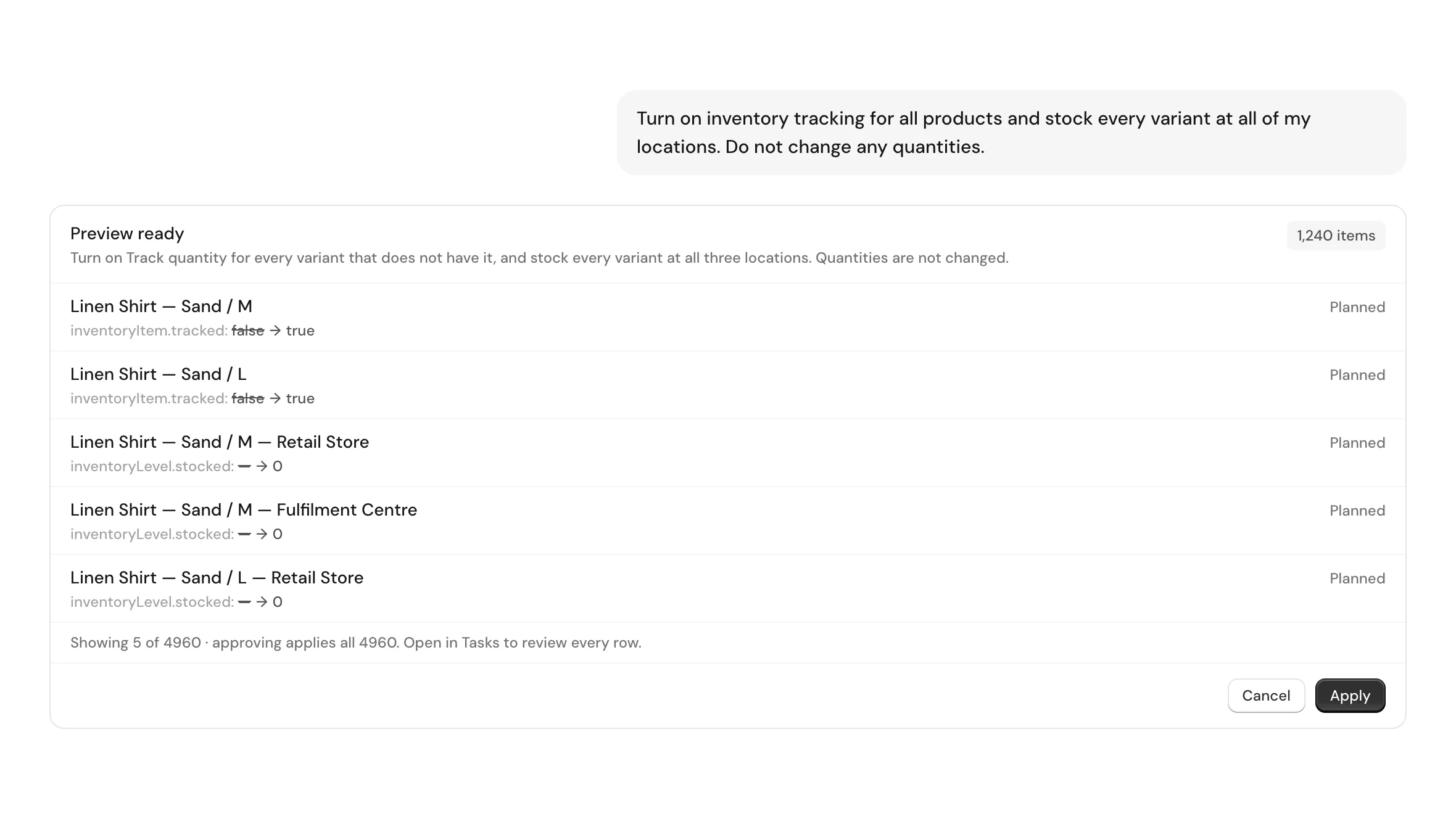 0310 min
Turn on Shopify inventory tracking across every product and location
Every variant tracked, stocked at every location, quantities untouched
Read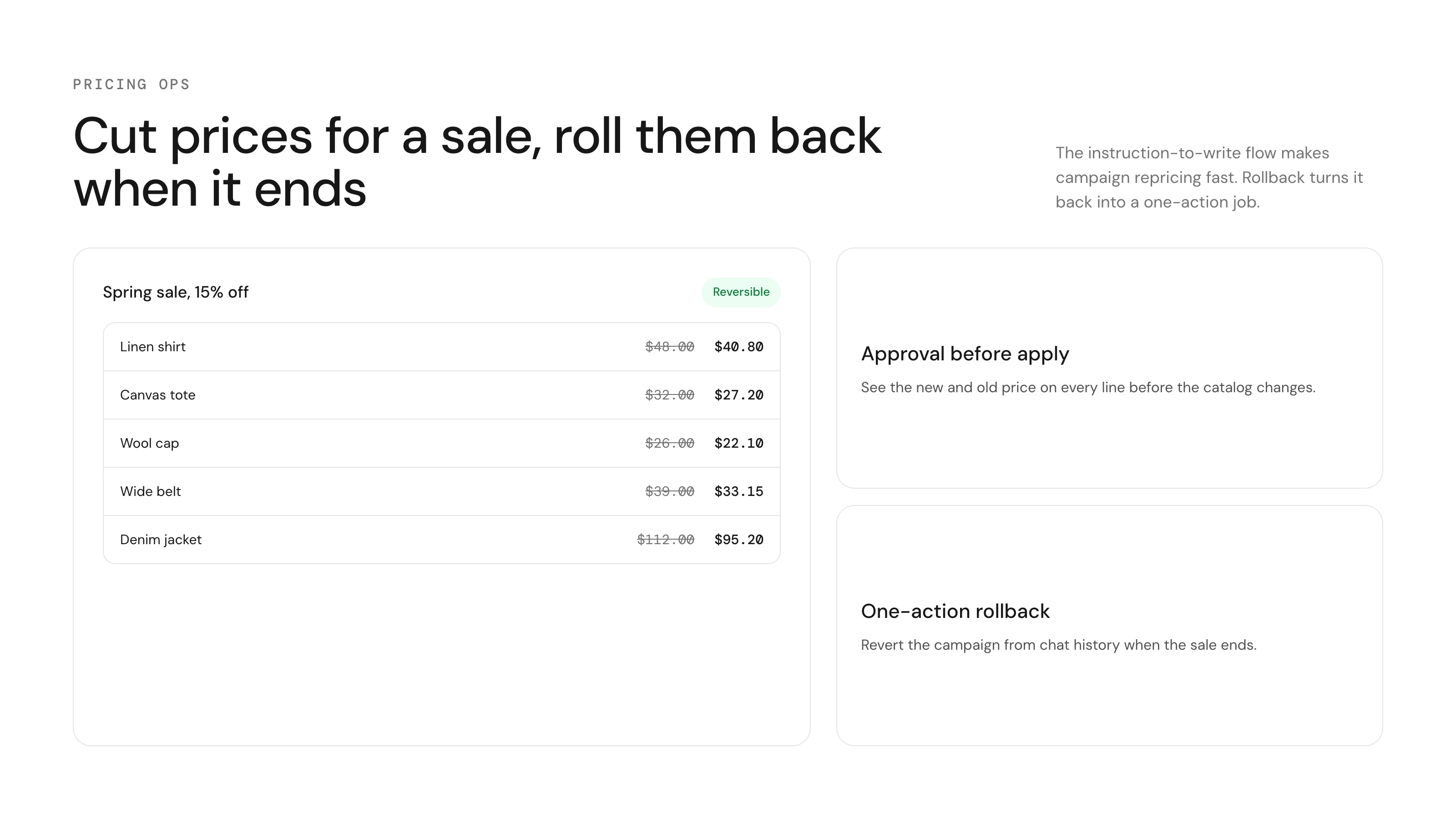 0414 min
Bulk update prices and inventory in Shopify, with undo
Prices, compare-at and stock per location, one preview each
Read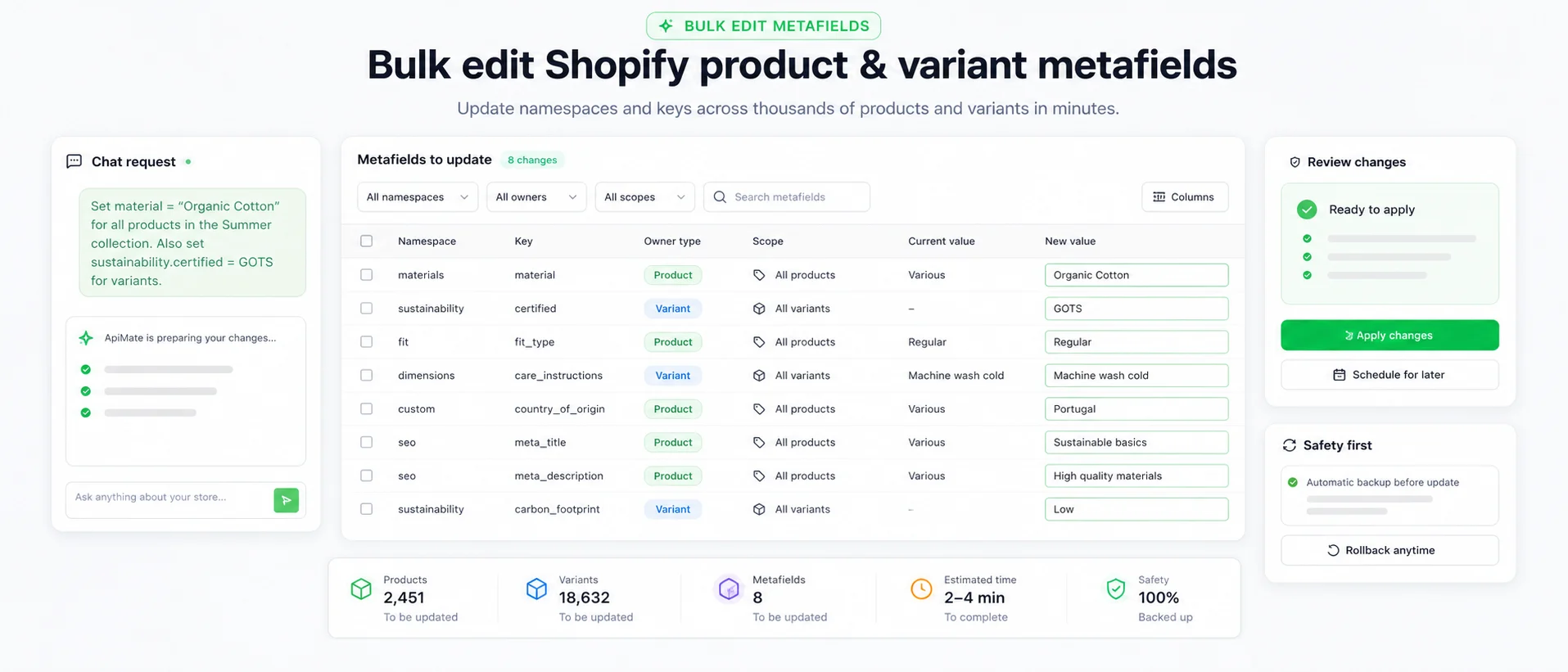 0514 min
Bulk edit Shopify metafields, weight and dimensions
Weight in kg, three dimensions in cm, every row verified
Read- 0614 min
Create products in bulk in Shopify: variants, prices, stock and images
A size and colour matrix, or a whole collection, one approval
Read 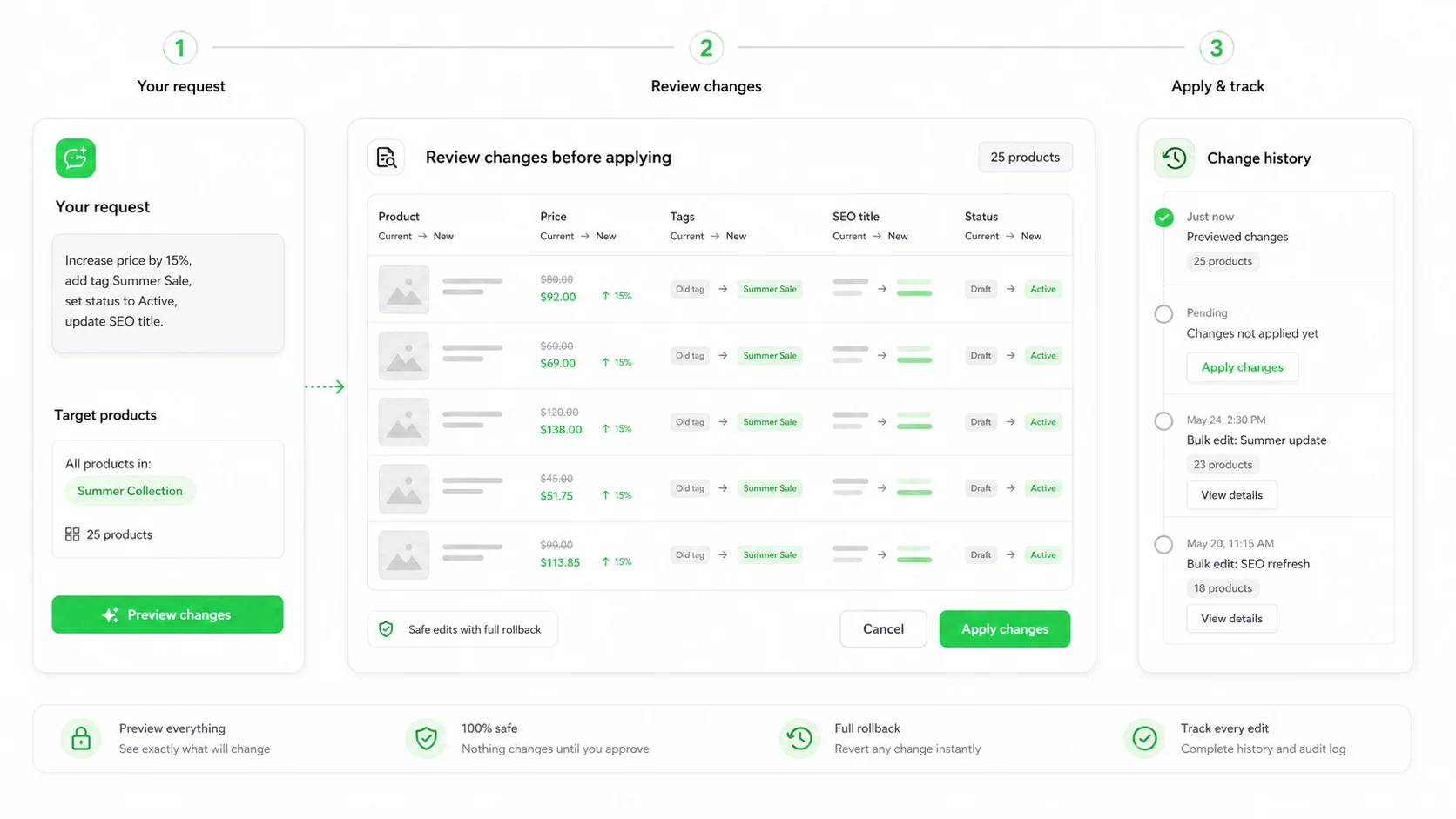 0713 min
Clean up AliExpress and DSers imports in Shopify
Variants renamed, options removed, supplier text gone, per product preview
Read
By field
Find the case by what changes
Every field a job can change, whether or not a case above covers it yet. If yours is on the list and not in a case, tell us the job and we will run it.
- Prices and sales
- Inventory per location
- SEO fields and image alt text
- Titles and descriptions
- Variants, metafields and dimensions
- Tags, status, collections, new products
Your job is not here?
Describe it in the chat after installing. Reads need no approval, so asking what the tool can do on your catalog costs nothing but a minute. If it needs a write, the preview will show exactly what.